
PDF size compressor tool helps you reduce PDF file size instantly and make documents easier to upload, share, or email.Your PDF file shouldn’t slow you down. With this fast and secure PDF Size Compressor, you can quickly reduce large PDF files so they’re easy to email, upload, and share anywhere. Whether you’re a student sending assignments, a professional handling documents, or a business managing files daily, this free online tool helps compress PDFs smoothly while keeping the quality clear and readable.
Compress large PDF files online without installing software. This fast PDF compressor helps reduce file size instantly so your documents are ready for email and quick uploads.
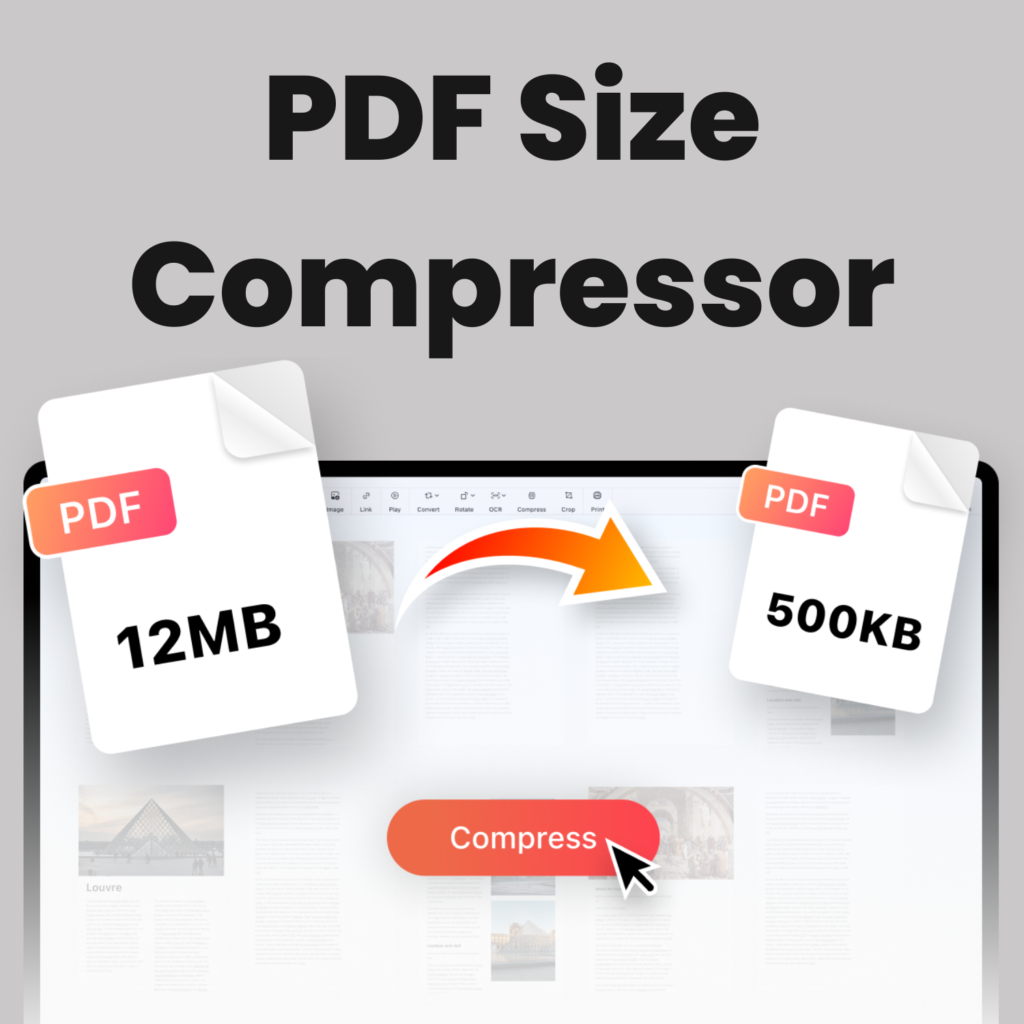
How to Use PDF Size Compressor Online (Step-by-Step)
Upload your PDF file using the tool above, click the compress button, and download the optimized version instantly. This online PDF compressor helps reduce file size quickly, so your documents are easier to email, share, and upload.
Why Use This PDF Size Compressor?
Reduce PDF file size without losing readability
Fast compression directly in your browser
No software installation required
Perfect when your PDF is too big to email
Try our PDF Too Big To Email Fix Tool for optimizing large files.
When Should You Reduce PDF Size?
Large PDF files can slow down uploads and may exceed email attachment limits. Many users face problems when sharing resumes, reports, or invoices because the file size becomes too heavy. Using a PDF size compressor helps reduce the overall file size while keeping the document readable and easy to manage. Smaller files load faster on mobile devices and make document sharing much more efficient.
Benefits of Reducing PDF File Size Before Sharing
Reducing PDF size improves performance and ensures smoother file delivery across different platforms. Email services like Gmail and Outlook often limit attachment sizes, which is why compressing a document before sending is important. A lightweight PDF file is easier to store, quicker to upload, and more convenient for recipients to download and open.
Best PDF Size Compressor for Fast Email Sharing
Using a fast PDF size compressor helps reduce large documents so they become easier to send through email platforms like Gmail or Outlook. This online tool quickly optimizes file size while keeping text clear and readable. Smaller PDF files upload faster, save storage space, and make document sharing smoother for both personal and professional use.
Tips to Reduce PDF Size Quickly
Before sending large documents, try removing unnecessary pages or images that increase file size. Using a reliable PDF size compressor helps optimize files without affecting readability or layout. Smaller PDFs are easier to upload, faster to email, and more convenient for recipients to download and open on any device.
You can also use the Compress Excel File Tool to reduce spreadsheet size.
Frequently Asked Questions
How do I reduce PDF file size for email?
Use the compressor tool above, then download the optimized file and attach it to your email.
Will PDF quality be affected?
The tool reduces unnecessary file data while keeping the content clear and readable.
Is this PDF compressor free to use?
Yes, the tool works online and is completely free.
Is PDF size compressor safe to use?
Yes, files are processed directly in your browser which keeps documents secure and private.
Learn more about the PDF file format.
Your files are processed directly in your browser for privacy and security. No uploads or server storage are required, making this PDF size compressor fast and safe to use.
Check Gmail attachment limits before sending large files.